
Quick answer: Server logs show how Googlebot actually crawls a website. They reveal which URLs bots request, how often they visit, which status codes they receive and where crawl budget may be wasted.
For crawl budget work, logs are the reality check. A crawler shows what can be crawled; log monitoring shows what Googlebot really does.
- Find whether Googlebot visits important pages often enough.
- Detect repeated crawling of low-value URLs, redirects and errors.
- Compare crawl behavior with crawler data and GSC signals.
- Use logs to support a practical crawl budget analysis.
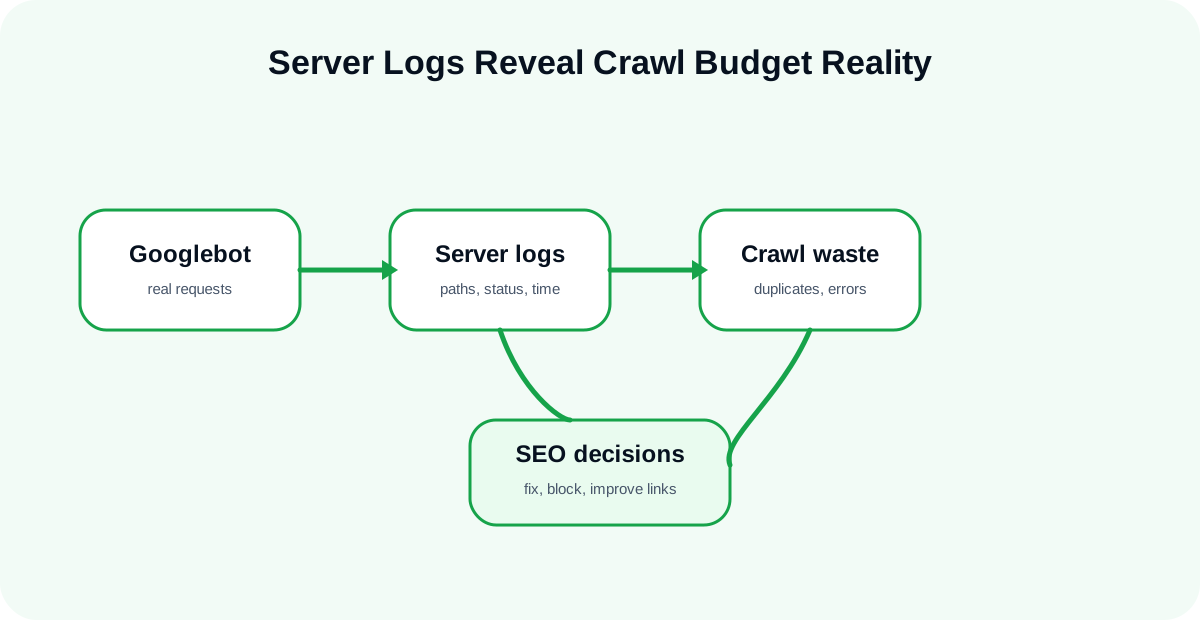
Table of contents
- Why logs matter for crawl budget
- What to check in logs
- How logs reveal crawl waste
- A practical log workflow
Why Logs Matter for Crawl Budget
Logs Show Real Bot Behavior
A technical crawl is useful, but it is still a simulation. Server logs show real requests from Googlebot and other bots. This helps teams see whether important pages are being visited or ignored.
If Googlebot spends time on parameter URLs, redirects, broken pages or old sections, that is a crawl budget signal worth investigating.
Crawler Data and Logs Answer Different Questions
A website crawler tool answers “what can be crawled?” Logs answer “what was actually crawled?” Good crawl budget analysis needs both.
What to Check in Logs
Googlebot Frequency
Check how often Googlebot visits important templates, revenue pages, category pages and recently updated content. If important sections receive little activity, internal linking and page priority may need work.
Status Codes
Repeated 404, 5xx and redirect responses waste crawl attention. If bots repeatedly request URLs that do not return clean responses, the technical cleanup should become a priority.
URL Patterns
Look for patterns: filters, parameters, search pages, old archive URLs and unnecessary variations. These patterns often reveal crawl waste faster than page-by-page checks.
How Logs Reveal Crawl Waste
Repeated Requests to Low-Value URLs
If bots keep crawling low-value URLs, the site may be sending weak signals through internal links, sitemaps or inconsistent canonical rules.
Errors During Bot Visits
Errors seen by bots matter. Combine analyze server logs workflows with uptime monitoring to understand whether availability affects crawl capacity.
A Practical Log Workflow
Step 1: Identify Important URL Groups
Group pages by type: categories, products, articles, tools, archives and filtered URLs. Then compare how often bots visit each group.
Step 2: Compare with Crawl Results
Use crawler data to check whether frequently requested URLs are technically healthy and worth crawling.
Step 3: Connect with GSC
Use Google Search Console to compare crawl activity with indexing and search performance symptoms.
Conclusion
Logs turn crawl budget analysis from guesswork into evidence. Start with the crawl budget guide, then use logs to confirm where Googlebot spends its time.