
Quick answer: Crawl waste happens when search engines spend time on URLs that do not deserve attention: duplicates, filters, redirects, soft 404s, empty pages, low-value archives and unnecessary parameters.
Reducing crawl waste helps Googlebot focus on useful pages. The workflow starts with a technical crawler, continues with log monitoring and should be connected to the crawl budget guide.
- Find duplicate and parameter URL patterns.
- Fix redirect chains, soft 404s and low-value pages.
- Compare crawler findings with real bot behavior in logs.
- Improve internal links so useful pages receive stronger priority.
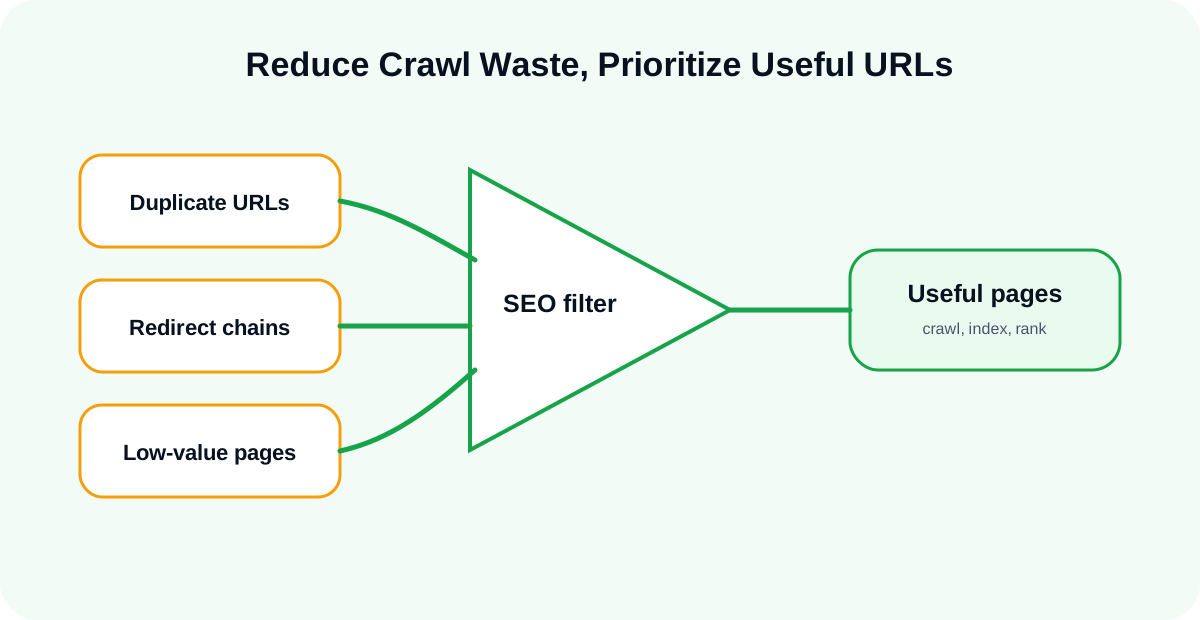
Table of contents
What Crawl Waste Is
Not Every Crawlable URL Deserves Attention
A website can expose many URLs that are technically crawlable but not useful for search. When bots spend time there, important pages may be discovered or refreshed more slowly.
Crawl Waste Is a Pattern Problem
Usually crawl waste is not one bad URL. It is a pattern: filters, parameters, pagination, duplicates, outdated archives or broken templates.
Common Causes
Duplicate URLs
Duplicate URLs can come from sorting options, tracking parameters, uppercase/lowercase issues, trailing slash inconsistency or duplicate templates.
Faceted Navigation
Filters can generate thousands of combinations. Some may be useful; many should not be indexed or crawled heavily.
Redirect Chains
Internal links should point directly to final URLs. Chains waste crawl time and create unnecessary friction.
Soft 404s and Thin Pages
Pages that return 200 but provide no value can confuse crawling and quality signals.
How to Detect Crawl Waste
Use a Crawler First
A website crawler tool can reveal duplicate patterns, status problems, canonical issues and internal links to weak URLs.
Use Logs to Confirm Bot Behavior
Logs show whether bots actually crawl those weak URLs. This is why track Googlebot activity workflows are important.
Use GSC for Symptoms
GSC indexing signals can reveal discovered or crawled URLs that are not indexed. Those are not always crawl budget problems, but they are worth investigating.
How to Reduce Crawl Waste
Clean Internal Links
Stop linking internally to bad URLs, old redirects or low-value pages.
Control Parameters and Filters
Decide which URL patterns should be crawlable and indexable. Do not let every filter combination behave like a search landing page.
Fix Status and Canonical Signals
Use clean status codes, canonical tags and redirects. Avoid mixed signals.
Monitor the Result
After cleanup, monitor logs and crawl data again. Crawl waste can return when new templates, filters or pages are added.
Conclusion
Reducing crawl waste is one of the most practical ways to improve crawl efficiency on large websites. Start with crawl data, validate with logs and connect the work to internal linking and indexing signals.